



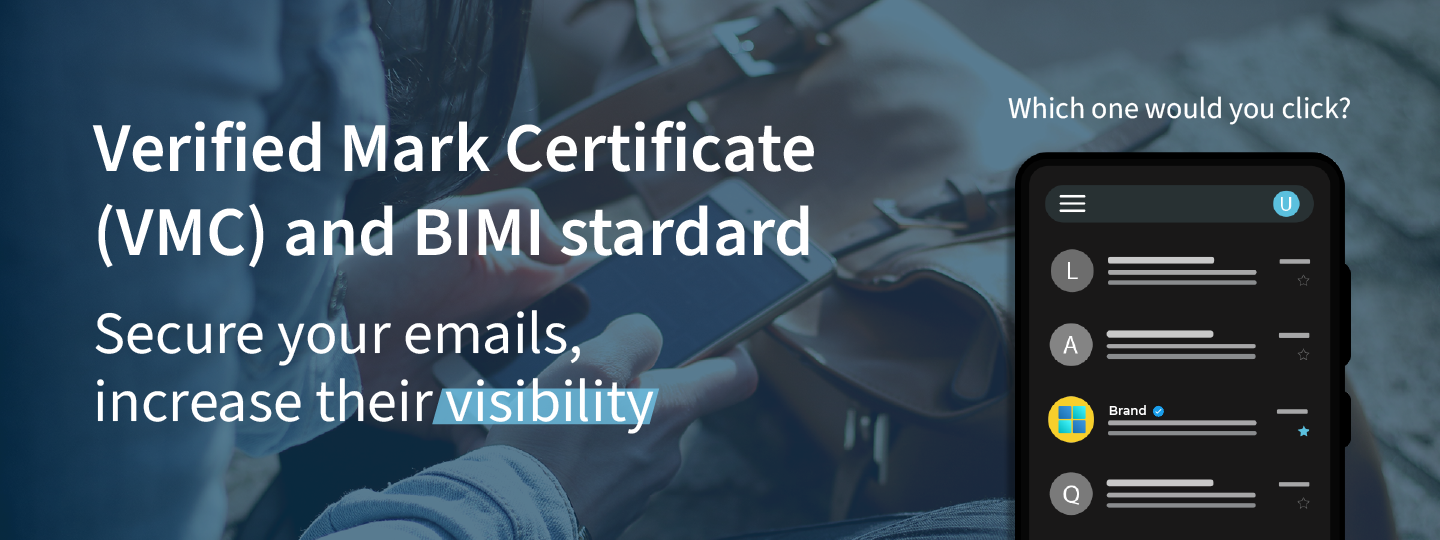
Ubilibet implements the Verified Mark Certificate (VMC) from DigiCert, required to obtain Gmail’s blue verification check alongside the BIMI standard.
What is BIMI?
BIMI is the standard for verifying email accounts.
A few years ago several companies – including MailChimp, Fastmail, Verizon (AOL and Yahoo!) and Gmail itself – joined forces to develop and standardise the BIMI technology (Brand Indicators for Message Identification) with the aim of promoting sender verification.
It is an image‑based authentication system that makes it possible for email security systems to filter messages more effectively, separating those from legitimate senders from forged ones.
Which one would you click?
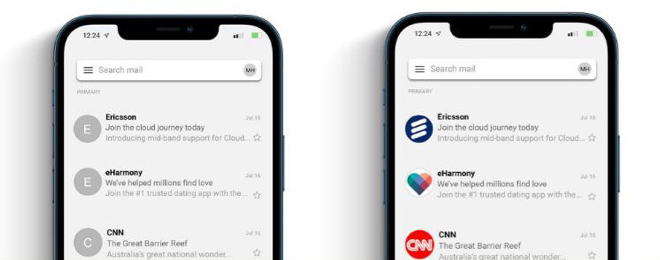
Only with a VMC do you get the blue verification check on Gmail
“`html
Only if you have implemented BIMI together with a Verified Mark Certificate (VMC) will your commercial and marketing sender be accompanied by a sender‑verification check in Gmail users’ inboxes.
“`
-
Trusted sender
-
Users are safer against phishing
-
Improved filtering of fraudulent email
-
Greater brand distinction

VMC checker
Does your brand meet the requirements to implement VMC and BIMI? Find out with our free check.
- Confirm that your logo belongs to your organisation.
- Verify the sender of the emails you send.
- Get Gmail's blue check
Verify VMC and BIMI
Enter an email address where you would like to receive the check results and the domain you want to analyse:
Why implement BIMI?
More than 1.8 billion users and a +10 % open rate
The advantages of applying the BIMI standard are numerous and particularly appealing to Marketing teams:
- The logo captures the user’s attention, making your email stand out among the many promotional messages in the inbox.
- You can achieve up to 10 % higher open rates on bulk sends.
- It adds trust by signalling that the sender is verified.
This final point is especially important for organisations vulnerable to identity‑theft attacks, phishing and scamming (such as telecom operators or banks), because it helps guarantee that the emails they send to their customers are legitimate and clearly distinguish them from fraudulent emails.
Gmail, the promoter of the standard, is also one of the world’s leading email providers. In fact, it holds the largest market share (21.95 % of the global population uses Gmail) and has an active‑user base of more than 1.8 billion.
Which clients support BIMI and how is it displayed
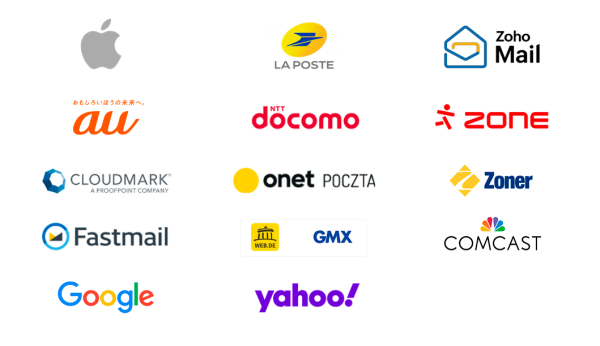
Currently, the BIMI standard is supported by the clients Apple, AU, Cloudmark, Fastmail, Google, La Poste, docomo, onet, GMX, Yahoo!, Hoho Mail, Zone and Zoner. Other email clients are under consideration.
Email clients that support BIMI
Email clients that are considering BIMI
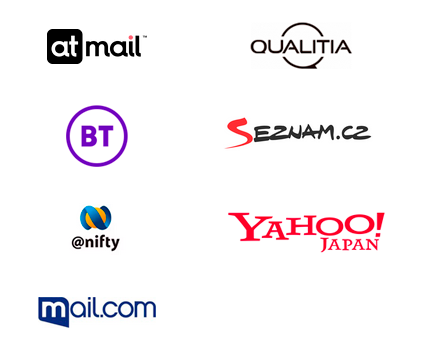
Do not support BIMI

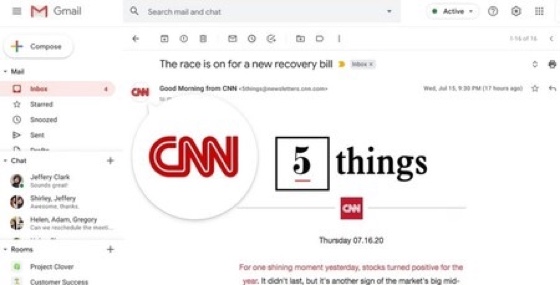
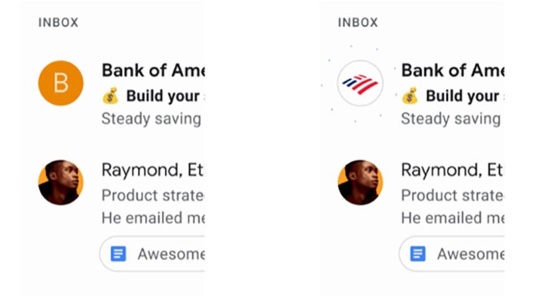
BIMI indicates that a sender is verified using the organisation’s corporate logo, which is displayed instead of the avatar in the sender information. However, the standard is not yet available in either the desktop or mobile versions. Below is a breakdown of what is shown and how, in each case:
- Desktop: in the desktop version of the email client, the verified logo appears when the email is opened, on the line dedicated to the sender information.
- Mobile: in the mobile version (the client’s app), the verified logo is visualised in the inbox message list.
Requirements to implement BIMI
Some e‑mail clients require the sender to have a Verified Mark Certificate (VMC) in place:
- VMC required: Google, Fastmail.
- Not required: Yahoo!
The VMC validates that the logo belongs to that organisation. Therefore, even when it is not mandatory, it is highly recommended to obtain one and avoid any potential branding conflicts.
Verification process
The verification process consists of:
- Configure DMARC to authenticate the company’s email. Download our DMARC implementation guide here.
- Validate the corporate logo with a Verified Mark Certificate (VMC).
On the one hand, the DMARC protection mechanism (Domain‑based Message Authentication, Reporting, and Conformance) ensures that neither the organisation’s domain nor its sub‑domains are spoofed.
On the other hand, a verification authority must independently confirm logo ownership and issue a VMC‑style certificate, which must then be submitted to Google.
Once the authentication process is complete, the logo will appear in the inbox and, when clicked or hovered over, it will display a animation and details about the certification.
Implementing BIMI for VMC
The Ubilibet team implements, maintains and renews digital certificates. If you are interested in implementing a VMC, get in touch with us and we’ll take care of it.
Contact us for further information
Do you want to implement BIMI and VMC? Need more information or a quote?
Contact us via the contact form and our team will reply shortly.